Preparing the contract for signing
Once the final conditions of the contract variation have been agreed, generate the Funding Schedule and append the Deed of Variation and email the Supplier for wet signature. These tasks can be performed by the P2i Senior User. The P2i Contract Manager, P2i Regional Manager, or the P2i Contract Officer can also perform these tasks if required, however they need to be added to the Project Team and the P2i Contract Officer needs to be made the Contract Manager against the contract.
To request the supplier to sign the contract:
-
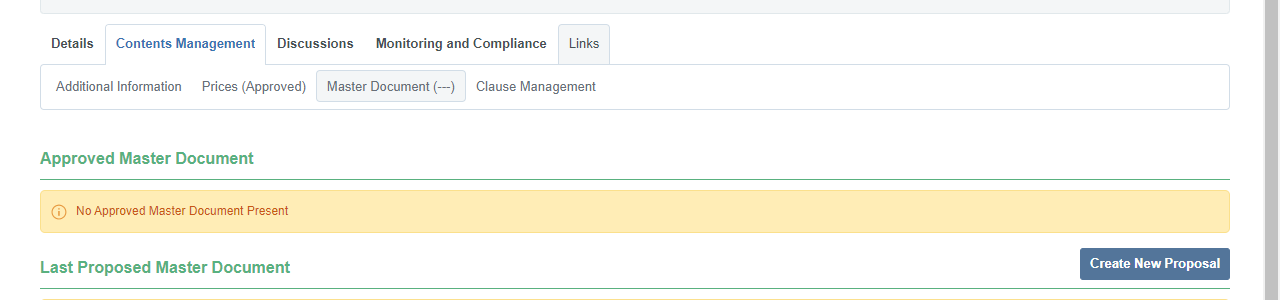
Click Contents Managements and then Master Document.
-
Click Create New Proposal.
-
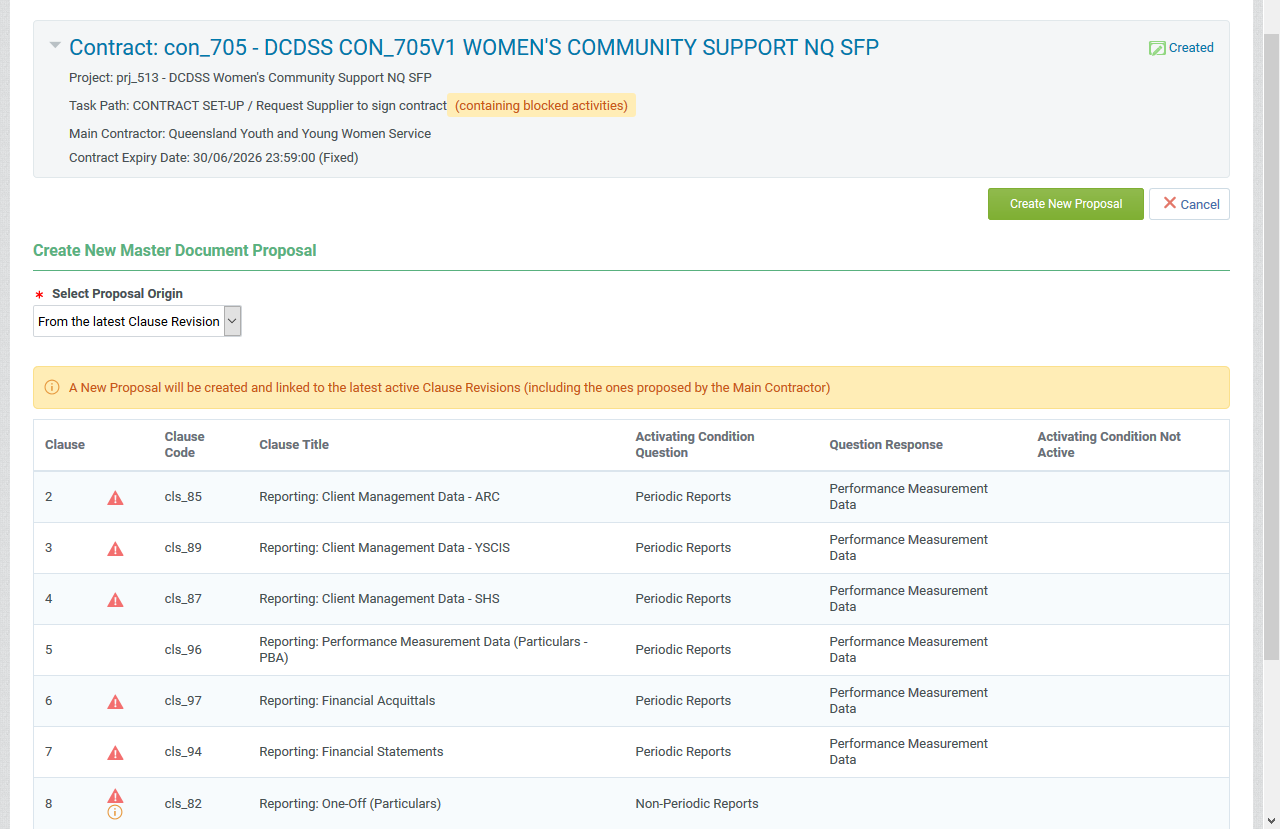
Click Create New Proposal.
Note The icons indicate that these reports were not selected when setting up the Additional Information for this contract.
-
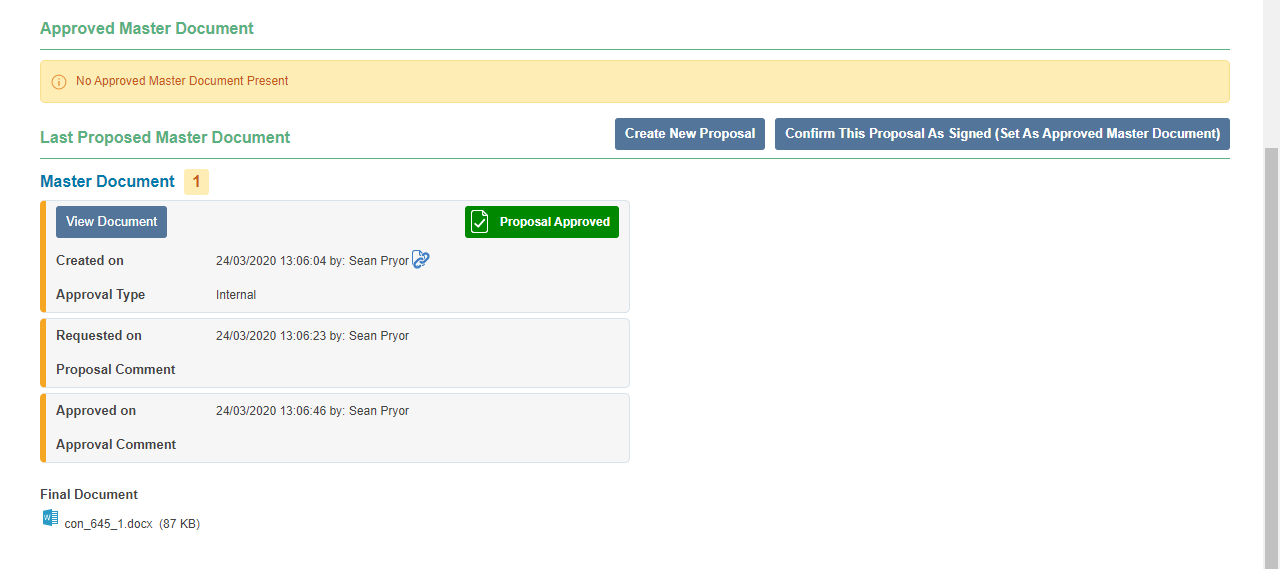
Click Confirm Final Approval.
-
Click Approve.
-
Click the Final Document link to download the contract in Word.
Complete the Request Supplier to sign contract task
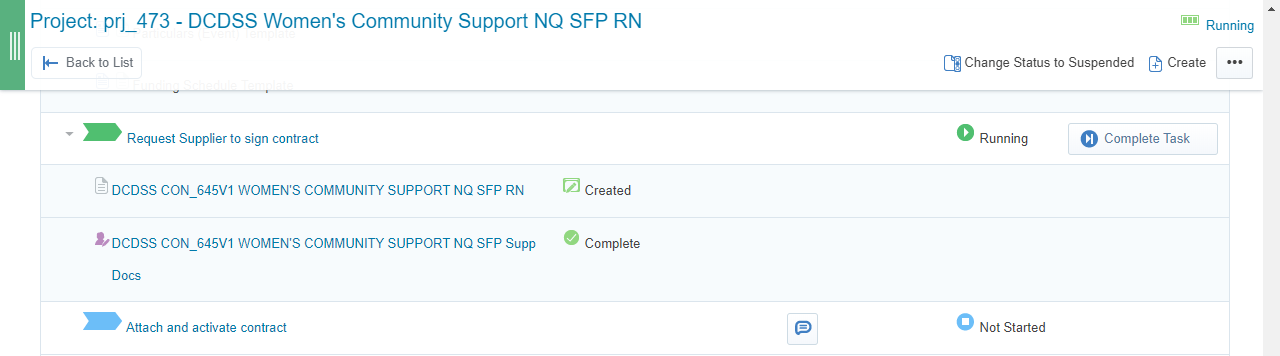
Once the supplier has signed and returned the renewal and it has been co-signed by the department, complete the task.
-
Click Complete Task.
-
Click Confirm.
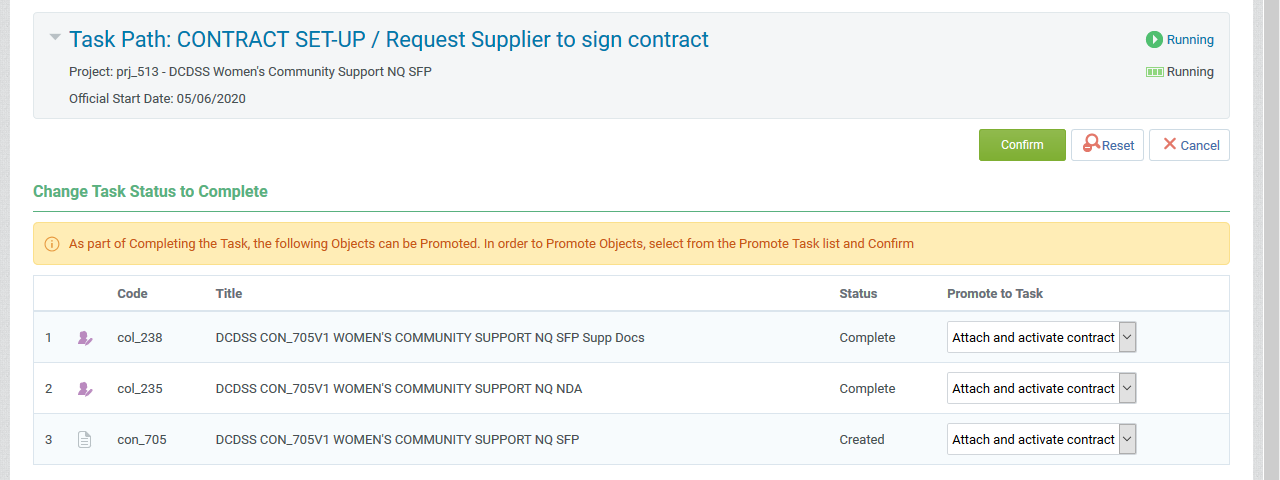
-
Click Confirm.
Note Once the contract has been co-signed, the P2i Senior User is required to attach the Deed of Variation and funding schedule to the Funding and Services Details project (The P2i Contract Officer can only do this if they have been added to the Funding and Service Details Project Team in P2i. If the contract is a particulars, this can be completed by the P2i Contract Officer once they have been made Contract Manager of the particulars and added to the Project Team. Refer to the topic, Attaching and activating the renewal contract.